What was said.
It transcribes on your Mac. It jumps to the exact moment of the phrase.
Demo: invented dialogue over example images.
 Notify me at launch
Download for Mac
TakeHunt · Mac app · Footage search for DaVinci Resolve
You know you shot it, just not where. TakeHunt finds it across all your drives by what you see, what was said or what was written, and sends it to DaVinci Resolve.
Nothing uploaded. Your videos never leave your Mac, including those under NDA. It searches thousands of clips instantly.
Notify me at launchDownload for MacTry it here, no installWatch the 24-second video
Native app for Apple Silicon Macs. Not on sale yet. When it launches, you can try it free.
Native app for Apple Silicon Macs. Try it free: it analyzes all your footage, with 10 free full searches and 3 more every day. No card.
The size of the frame is the confidence.
Click a frame to pick it. With Shift, a range.
The app
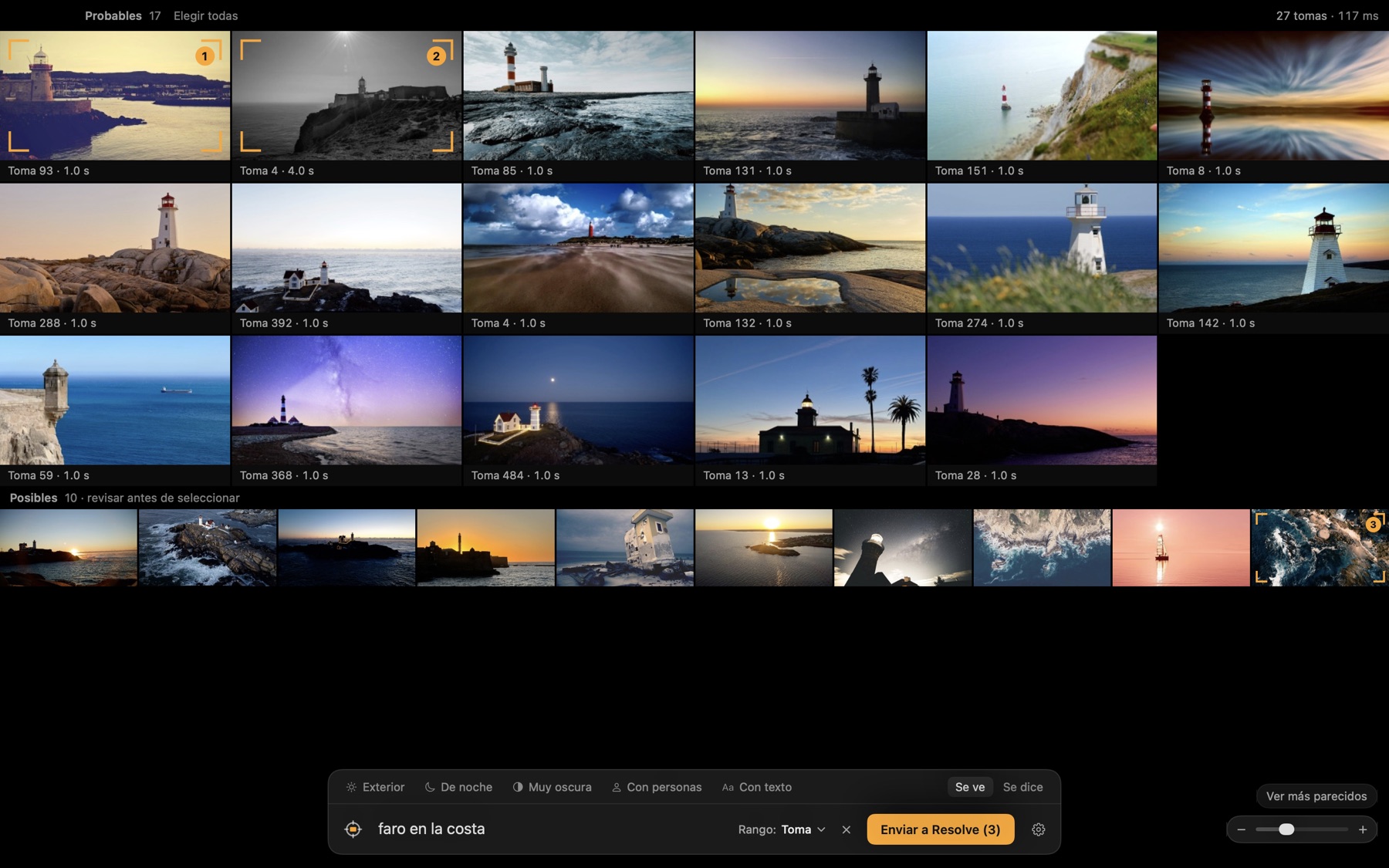
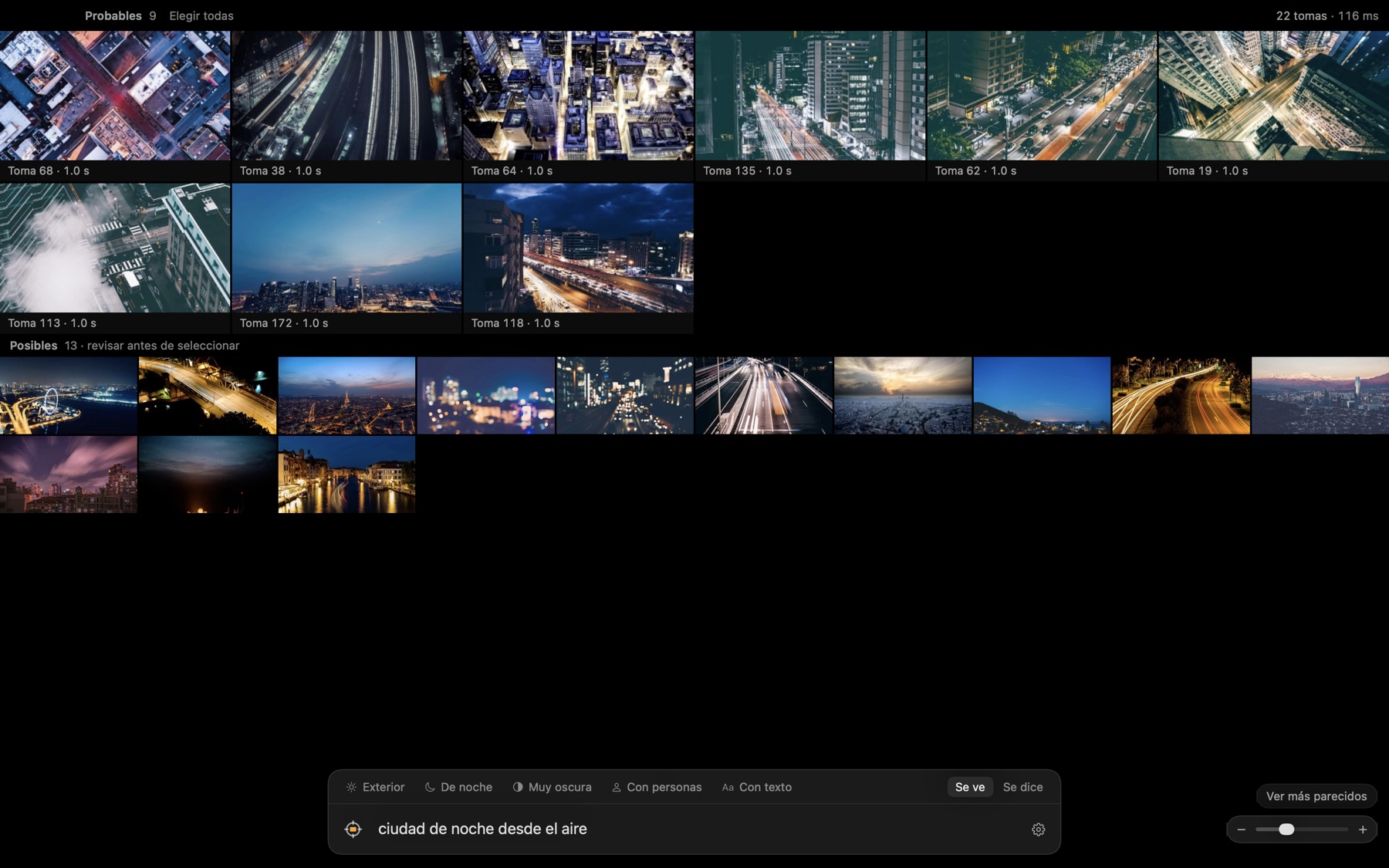
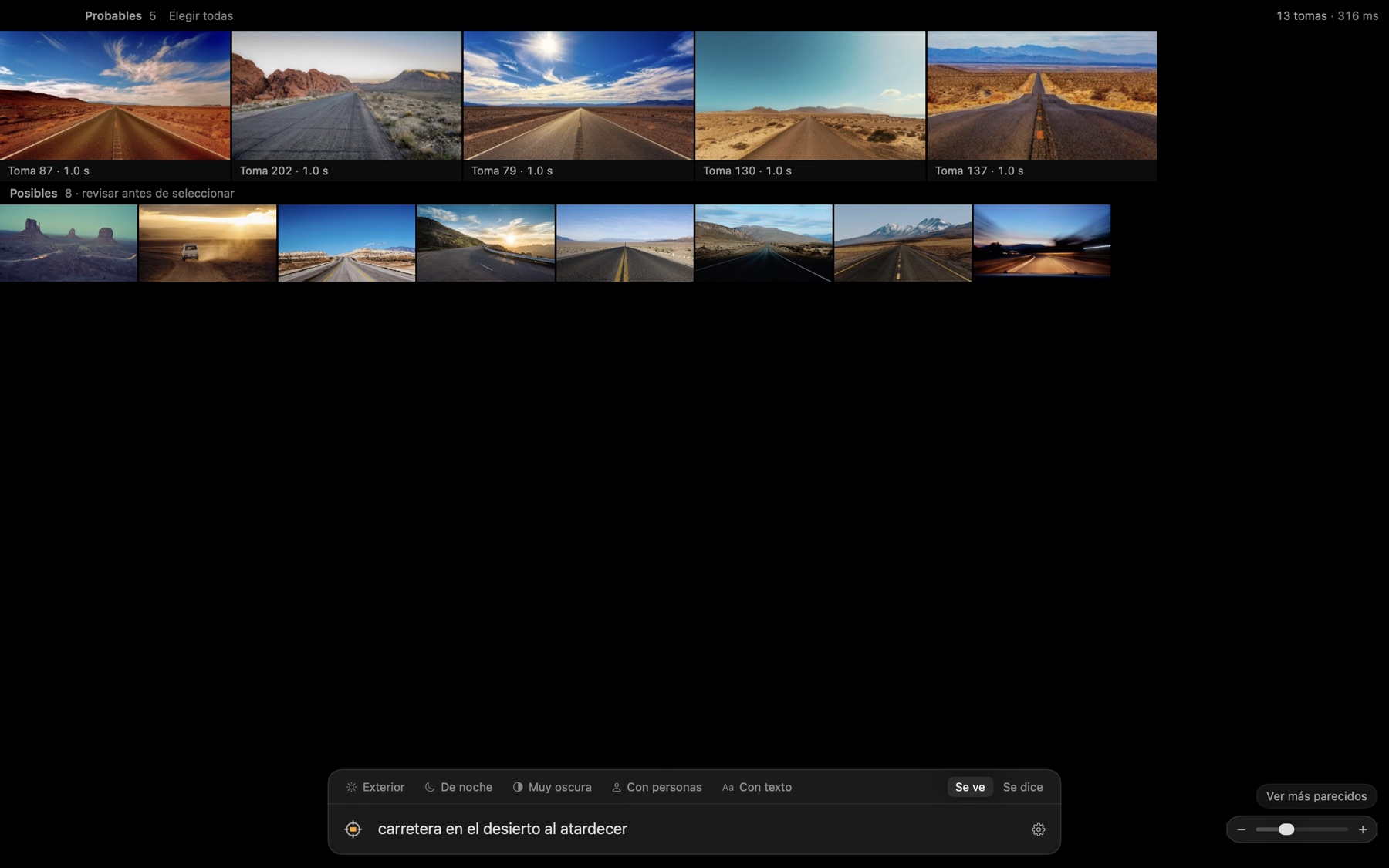
Real screenshots of the app, made with an index of free photos (CC0 and NASA) turned into one-second shots, which is why each shot lasts 1 s. No client footage appears. The app is shown in Spanish.
Live
A 48-second video, narrated in Spanish with English subtitles. The app screens are real captures of searches over free Mixkit videos, not client footage. For the demo, three shots carry a synthetic voice, one has an added caption and one face was given a name. The timeline at the end is a drawing. Watch the video on its own page.
Privacy
For what you can't upload to any cloud: NDA shoots, client footage, unreleased projects. The analysis happens on your machine.
Demo: nothing real is deleted. In the app, Delete index removes analysis, transcripts, thumbnails, faces, labels and sends. Your videos are not touched.
AudioEncoder/weight.bin e4740fa28ed65907af754af893dfce98473fafb84dd8d718ad346985fe7678c1
Confidence
Demo: the similarity of these example images is made up.
It read it on screen, heard the exact phrase or you confirmed the person.
It looks alike, or the folder has that name.
To review before picking.
Doesn't appear.
Levels, not percentages: a score measures resemblance, not probability. Sure doesn't mean it looks right: it means it read it, heard it or you confirmed it. By image it always brings the closest, even if what you're looking for doesn't exist: check it.
Other searches
It transcribes on your Mac. It jumps to the exact moment of the phrase.
Demo: invented dialogue over example images.
It reads signs and titles in the image. That result is Sure: it saw it written.
On screen: “Central Station”
Demo: the sign was added to an example image.
You tag a face with a name and it suggests their other shots.
Confirmed, Looks like, Maybe. You decide. It's off until you turn it on, and it stays on your Mac.
Demo: drawn silhouettes. None is a real person.
It also searches by folder or file name.
Demo: this made-up list is filtered by text.
Five filters: outdoor, at night, very dark, with people, with text. Each one: don't care, yes or no.
Demo: here it filters with the example catalog's labels. TakeHunt decides by looking at your frames.
Inside
All your drives on one wall, viewing shots without opening them, the cut into shots and indexing without fear.
To Resolve
The whole shot.
Demo: example timeline, with what you picked above.
Needs DaVinci Resolve Studio open, with external scripting access turned on. It creates the timeline and places the markers.
You import it yourself. It carries the clips, without markers.
| Feature | Free Resolve | Resolve Studio |
|---|---|---|
| Search, view and pick shots in TakeHunt | Yes. Resolve doesn't need to be open. | Yes |
| Direct send with timeline and markers | No. It needs Studio's external scripting access. | Yes. Tested on 21.0.4: 40 of 40 clips. |
| Panel next to Resolve | No | Yes. Tested on 21.0.4: send to the timeline with markers and to the Media Pool. |
Tested on Resolve Studio 21.0.4: 40 of 40 clips linked and marked.
Panel
With Resolve Studio A window attached to Resolve that follows it: it searches, filters, plays, tags people and sends clips to the timeline or the Media Pool.
It's a separate window: Resolve doesn't let it dock into its interface, so it stays on top and folds to the edge. Needs Resolve Studio.
Schematic drawing: not Resolve's interface.
Price
19 USD once
The license doesn't expire.
4.50 USD a month
If you stop paying, nothing is deleted: you go back to 50 clips and 3 full searches a day.
Both include the same: search by what you see, what is said and the text on screen, named people, Blackmagic RAW, sending to Resolve and the panel inside Resolve Studio. A one-time license works on two computers at a time; the monthly one, on one.
Which one suits me? In 5 months, the monthly plan already adds up to 22.50 USD. If you'll use it for more than 4 months, take the one-time payment.
Requirements
Questions
Notify me
Download
Leave your email and we'll tell you when it launches. Only for that.
It analyzes all your footage, with 10 free full searches and 3 more every day. No card. The extension for Resolve is installed from its Settings. The first time, macOS will ask you to confirm: here is how to open it.